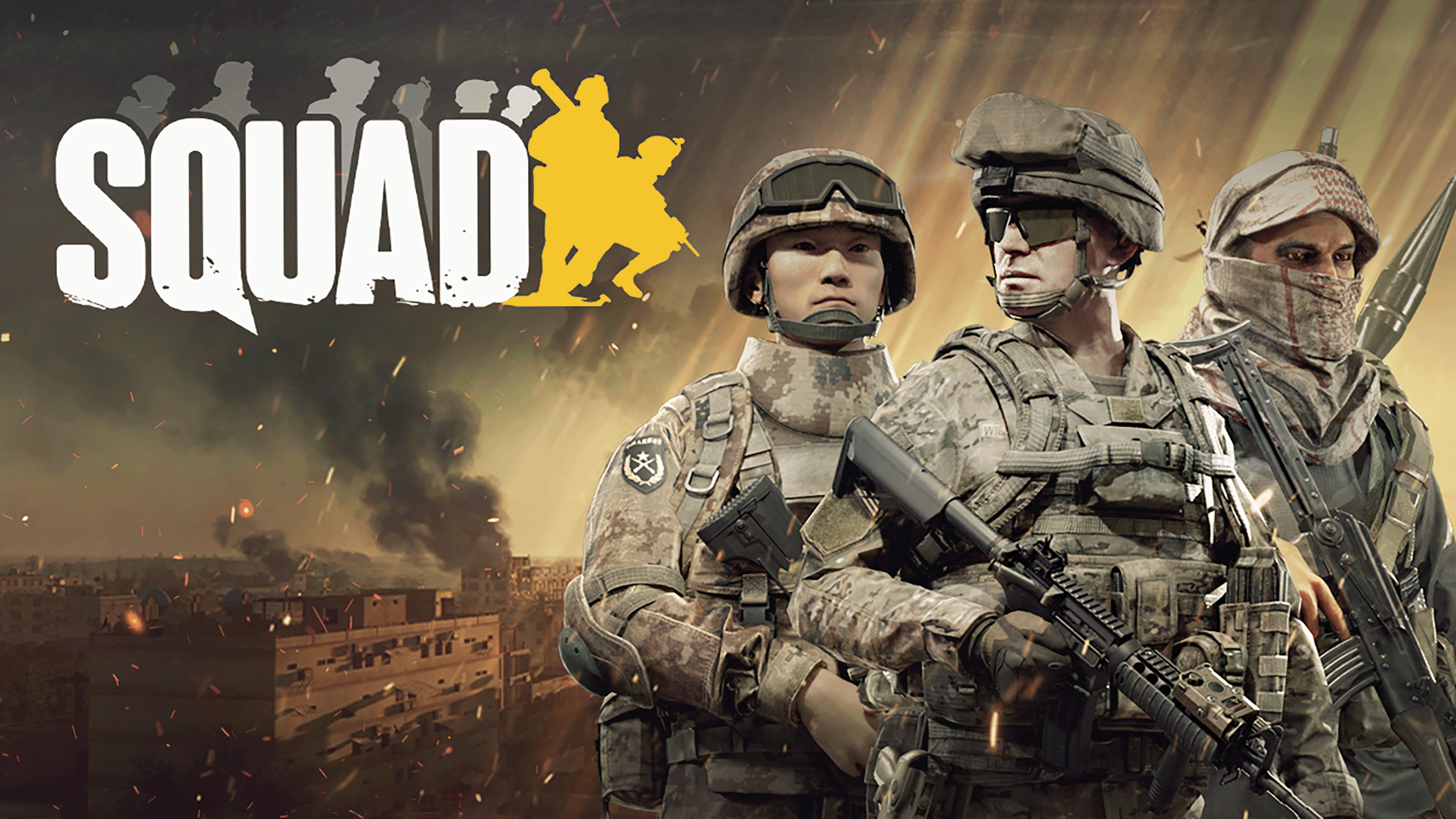
Squad
Our unique software will take your military gaming experience to the next level, with ESP wallhacks that will give you the ultimate tactical advantage over your enemies, and provide valuable intel to your Squad mates.
- From £4.29
- Online · 17 hours ago
- Windows 11 25H2 64bit and older · Windows 10 64bit
- Setup guide included
- Standard support
- Activation
- Instant
- Support
- Standard support
- OS
- Windows 11 25H2 64bit and older · Windows 10 64bit
- Last updated
- 17 hours ago
- Rating
- 4.4 (14)
Squad overview
What this category of product does, who uses it, and what to expect from Chod's Cheats's implementation.
A Squad cheat is a software tool that gives players additional in-game awareness and configurable interface features during Squad matches. Customers typically use a Squad enhancement to surface information that isn't visible by default — positions, timings, status indicators — and to fine-tune the visual presentation to suit how they prefer to play.
The Squad category covers a wide spread of products, from one-trick utilities to full feature suites. The differences usually come down to three things: the breadth of the visual options, how the configuration overlay behaves in-game, and how reliably the Squad tool stays online through game patches.
This product is built for the second priority — predictable in-game configuration with a structured options screen — and shipped against current Squad builds so it doesn't sit in maintenance for days every time the game updates. New customers can get running in minutes; experienced users get the depth to tune things exactly how they want.
- OS
- Windows 11 25H2 64bit and older, Windows 10 64bit
- Loader
- Steam
- ·USB formatted in FAT32
If you are using temporary spoofer first inject our product then spoof your HWID to avoid being flagged by our own system for changing HWID.
Pick your duration
Pay for what you'll actually use. Renew or upgrade any time.
- Try before committing
- Instant activation
- Full setup guide
- Better value than daily
- Good for active users
- Priority support
- Best monthly value
- Fewer renewals
- Recommended option
All prices in GBP. Activates immediately on payment confirmation. Renew or stack durations any time from your account.
What happens after purchase
-
1License activates
Instantly on payment confirmation. No back-and-forth.
-
2Open your dashboard
Find your key, expiry, and download under /account/licenses.
-
3Follow the setup guide
Step-by-step instructions linked from your license.
-
4Reach support if needed
Open a ticket; your purchase is auto-linked to the conversation.
How Squad works
A practical walk-through of what happens between purchase and your first session.
Squad is a private Squad cheat delivered as a small loader plus an in-game configuration overlay. After purchase, your license activates immediately on your account and is bound to your hardware on first launch — there's no manual key entry, no third-party launcher, and no shared credentials.
You'll download the loader from your customer dashboard, run it once before launching the game, and the Squad overlay becomes available in-game. Settings are saved per-profile so you can switch presets quickly without reconfiguring from scratch each session. Updates are pushed automatically when the game patches; you don't need to redownload manually unless we tag a major release.
The Chod's Cheats team tests Squad against current game builds before each release, and our status page reflects real-time availability so you'll know before you launch whether it's safe to play. If something breaks, support tickets opened from your customer dashboard are auto-linked to your purchase, so we can reproduce your setup without back-and-forth.
Before launching, it's worth a quick look at the Squad product status — we publish maintenance windows and known issues there in real time. If you hit a snag during setup, the Squad setup guides cover the most common loader and configuration questions, and the Squad support team answers tickets fast.
About this product
Squad is built for players who care about quality. The interface is consistent with the rest of the Chod's Cheats catalogue — sensible defaults, predictable controls, and configuration screens that don't make you read a manual every time you sit down.
Built like software, not throwaway tools. Updates ship on a regular cadence and are tested against current game builds before release. The loader is small and self-checking, and the configuration UI uses the same conventions across our products so you don't relearn anything when you pick up a new title.
Support that actually answers. Open a ticket from your dashboard with your license attached and you'll typically hear back the same day. Our team uses the products themselves, so reproducing your setup is fast and the back-and-forth doesn't drag.
If you're new, start with our setup guides — they cover first-run, updates, common loader issues, and how to get the most out of the configuration screens.
Squad features
Grouped so you can scan what matters to you instead of reading a wall of bullets.
- Box
- Name
- Show Teammates
- Active Weapon
- Healthh
- Distance
- Skeleton
- Name of type
- Full indicator
- Empty Indicator
- Distance
- Mines
- Gremade projectile
- FOB, Radio
- Ammo Count
- Turrets
- Distance
- FOV Slider
- Prediction
- Smoothness
- Visibility Check
- Visualize FOV
- Customizable Hotkey
- Customizable Hitbox
- Customizable Selection Mode
- Speedhack
- Remove falldamage
- No suppression
- Unlimited Stamina
- Grenade Instant Throw
- Grenade Speed Multiplier
- Weapon Rapid Fire
- Weapon Infinite Ammo
- Weapon INstant Zoom
- Weapon Instant Hit
- Giant Mode
- Undetected by EAC
- Config Manager
Why choose Squad from Chod's Cheats
What separates this from other tools in the same space.
Many tools in the Squad space focus on raw feature lists. Chod's Cheats prioritises usability and support: the configuration overlay is structured the same way across every product in our catalogue, so you don't relearn it each time you pick up a new title.
Licensed users get direct access to support tickets that auto-link to their purchase — no need to share license keys in a chat thread. We test Squad against current game builds before each release, so the loader doesn't sit broken for days every time the game patches. The status page shows live availability so you know before launching whether you should play.
For most customers, that's the difference: a reliable Squad tool that stays online and a support team that actually answers, rather than a feature-stuffed product that's offline three days out of seven.
If you want to verify reliability before buying, check the Squad product status — we publish historical uptime there. New customers usually start with the Squad setup guide, and any pre-sales question can go through Squad support with a typical reply inside a few hours.
Common questions about Squad
Answers to what most customers ask before purchase and during setup.
What is a Squad cheat? +
How does Squad work? +
Is Squad difficult to set up? +
What do I get after purchase? +
What operating systems does Squad support? +
How do I check Squad's current status before launching? +
Where can I get help with setup or issues? +
What happens if Squad stops working mid-license? +
What customers like
Best squad cheat out there, everything is perfect imo, the only thing is that after like 200m the prediction isnt accurate and there should be another feature called extra zoom or...
Its a good product
Aimbot 8/10 Does the job, sometimes a little janky (that's just because squad mechanics though). ESP 10/10 Gotta say this has one of the smoothest ESP's going....
You might also like