
Setup and how-tos
Walkthroughs for first-run, common errors, billing, and product-specific tips.
New here? Buy a product from the store, activate it instantly, then follow its setup guide from your dashboard — most people are running within a few minutes. If a product won't start, the most common causes are the loader not being run as administrator, antivirus quarantining the loader, or launching while the product is marked updating. Check the status page first — if the game just patched, the product may be mid-update.
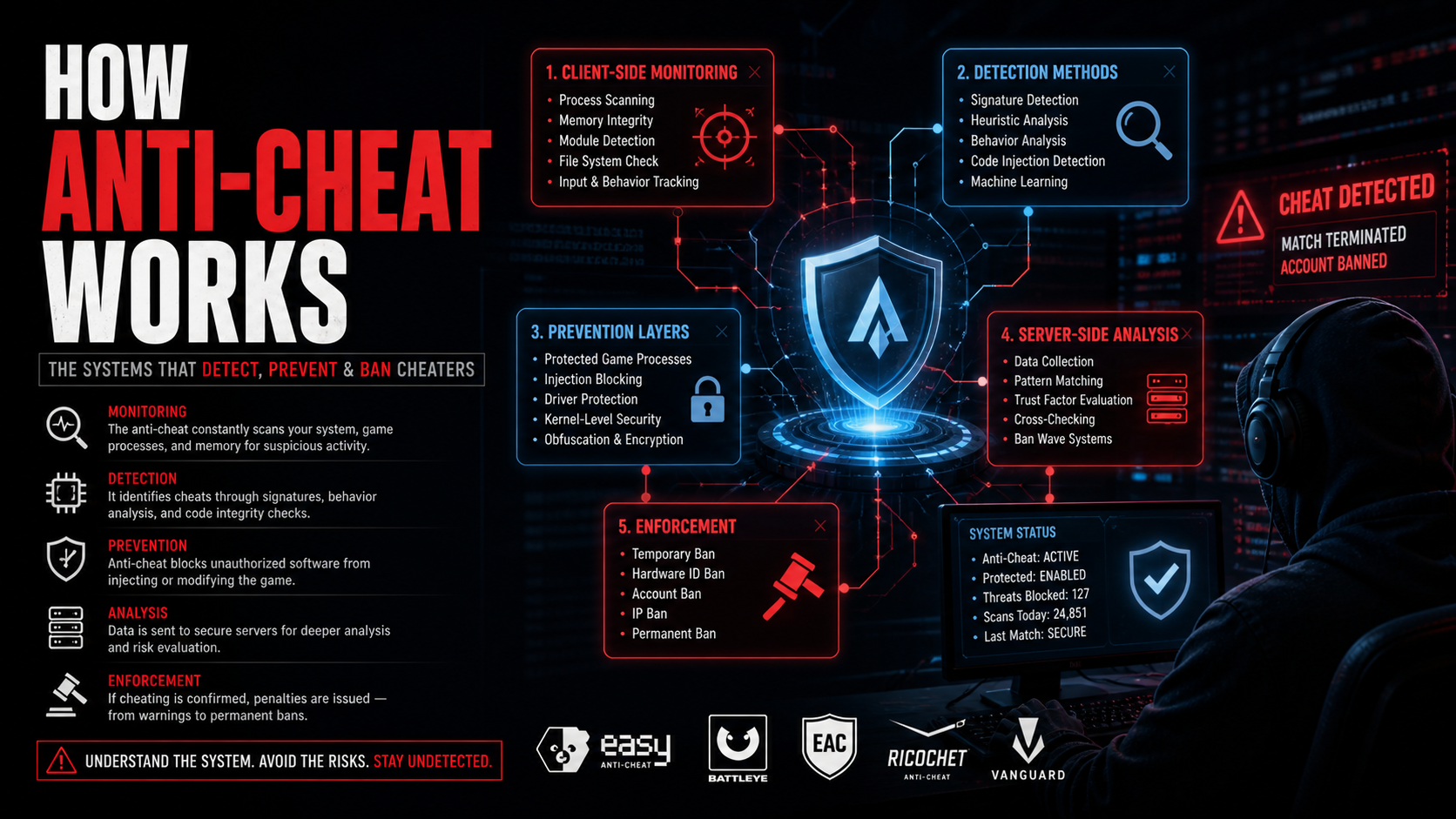
A clear breakdown of how modern anti-cheat systems detect, prevent, and enforce against suspicious activity using layered monitoring and analysis.
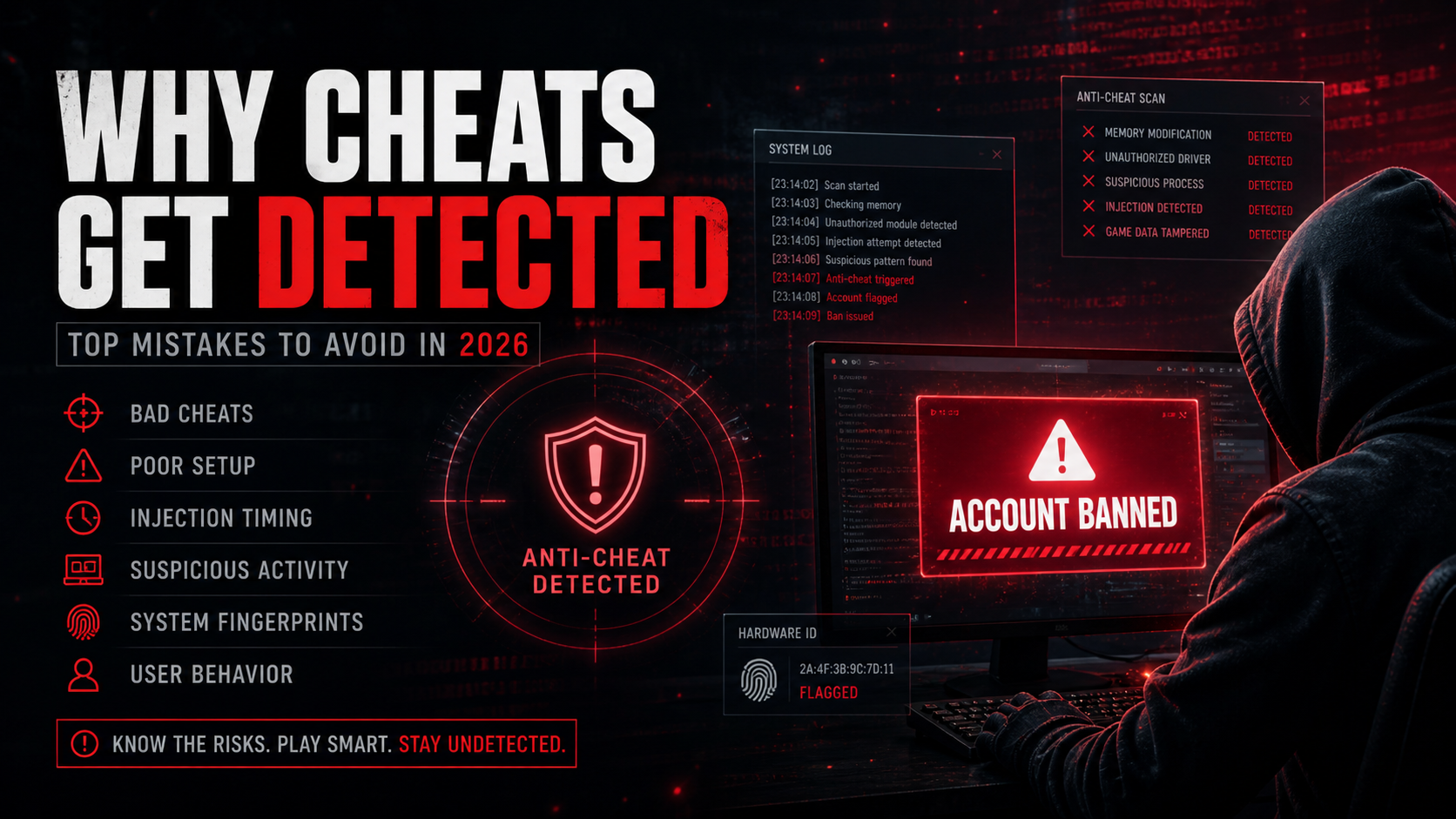
A breakdown of the most common reasons cheats get detected and how to avoid the mistakes that lead to bans.
If you've been hit with an HWID ban, here's exactly what to do — and what NOT to do — to get back on the game.
How HWID bans actually work, which anti-cheats use them, and what your options are if you get hit by one.
Resolving issue caused by DEP error
If everything else works but game doesn't inject at all.
Most common setup problems
- Loader won't open — run it as administrator and check antivirus.
- Product marked updating — wait for it to return online after a game patch.
- Just updated the game — check status before launching again.
- Hardware changed — you may need an HWID reset.
Account, licence & billing
Questions about activation, licence length, HWID resets, or payments are covered in the FAQ and the billing guides.
Billing & account guides →Still stuck?
Check live availability on the status page, then open a support ticket — tickets from your dashboard link to your purchase automatically.
Browse the store →