
Getting Started with Bodycam Cheats: A Practical Guide
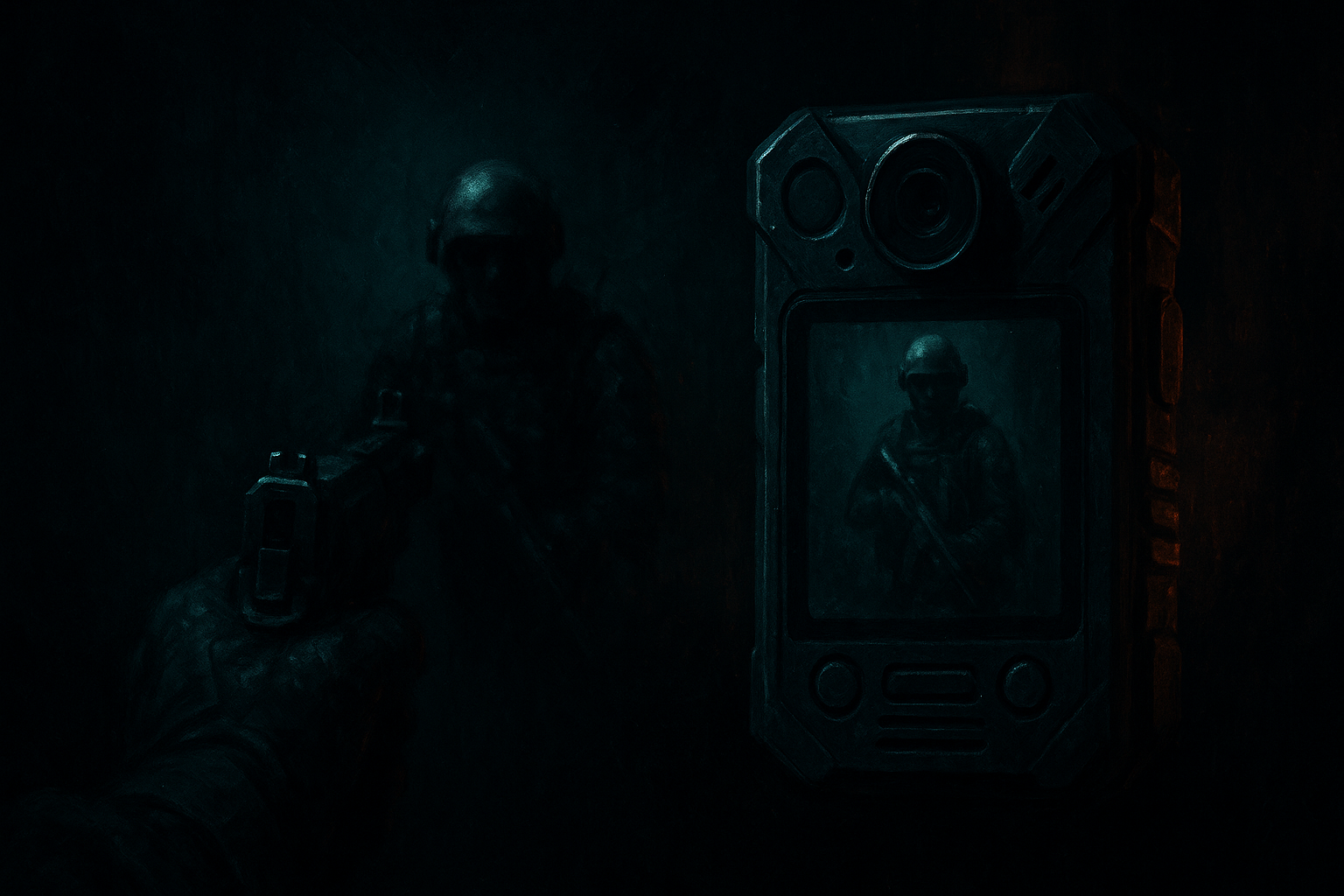
Introduction to Bodycam Cheats
Bodycam cheats offer players enhanced positional awareness, helping you gain an edge in gameplay. With a straightforward setup and the ability to configure per profile, these cheats are designed to integrate seamlessly into your gaming routine.
System Requirements
Before diving into the setup, ensure your system meets the following requirements:
- Operating System: Windows 11 25H2 64bit or older, Windows 10 64bit
- USB Format: FAT32
- Active Free Pass: Necessary for access
Setting Up Bodycam Cheats
-
Prepare Your USB: Ensure your USB drive is formatted in FAT32. This is crucial for the cheat to function correctly.
-
Check Your Free Pass: Ensure that your Free Pass is active, as it is required to use Bodycam cheats. The Free Pass provides bundled access across supported Chod's Cheats products.
-
Download and Install: Follow the instructions provided in the startup guide to download and install the launcher. This guide will walk you through login information and initial setup.
Configuration and Use
-
Per-Profile Configuration: Bodycam cheats allow for per-profile configuration, enabling you to tailor settings to your specific gameplay needs.
-
Quick Setup: The setup process is designed to be quick and intuitive, so you can start using the cheats with minimal delay.
Minimising Detection Risks
Understanding why cheats get detected is key to maintaining access. Detection often results from memory modifications, suspicious processes, or system patterns. To minimise risks:
- Avoid bad setups and poor practices.
- Refer to our guide on Why Cheats Get Detected for detailed insights.
Troubleshooting
If you encounter issues:
- Visit the product page for Bodycam for specific product details.
- Open a support ticket if problems persist.
Conclusion
By following these guidelines, you can effectively set up and use Bodycam cheats to enhance your gaming experience. Always stay informed about updates and changes by checking our status page and guides regularly.