7 Days To Die
Resource, loot, and threat awareness for 7 Days To Die, with quick setup and per-profile options.
- From £1.99
- Online · 2 months ago
- Windows 11 26H2 64bit and older · Windows 10 64bit
- Setup guide included
- Standard support
- Activation
- Instant
- Support
- Standard support
- OS
- Windows 11 26H2 64bit and older · Windows 10 64bit
- Last updated
- 2 months ago
- Rating
- 5.0 (2)
7 Days To Die overview
Loot, resource, and threat awareness, setup requirements, and live product status.
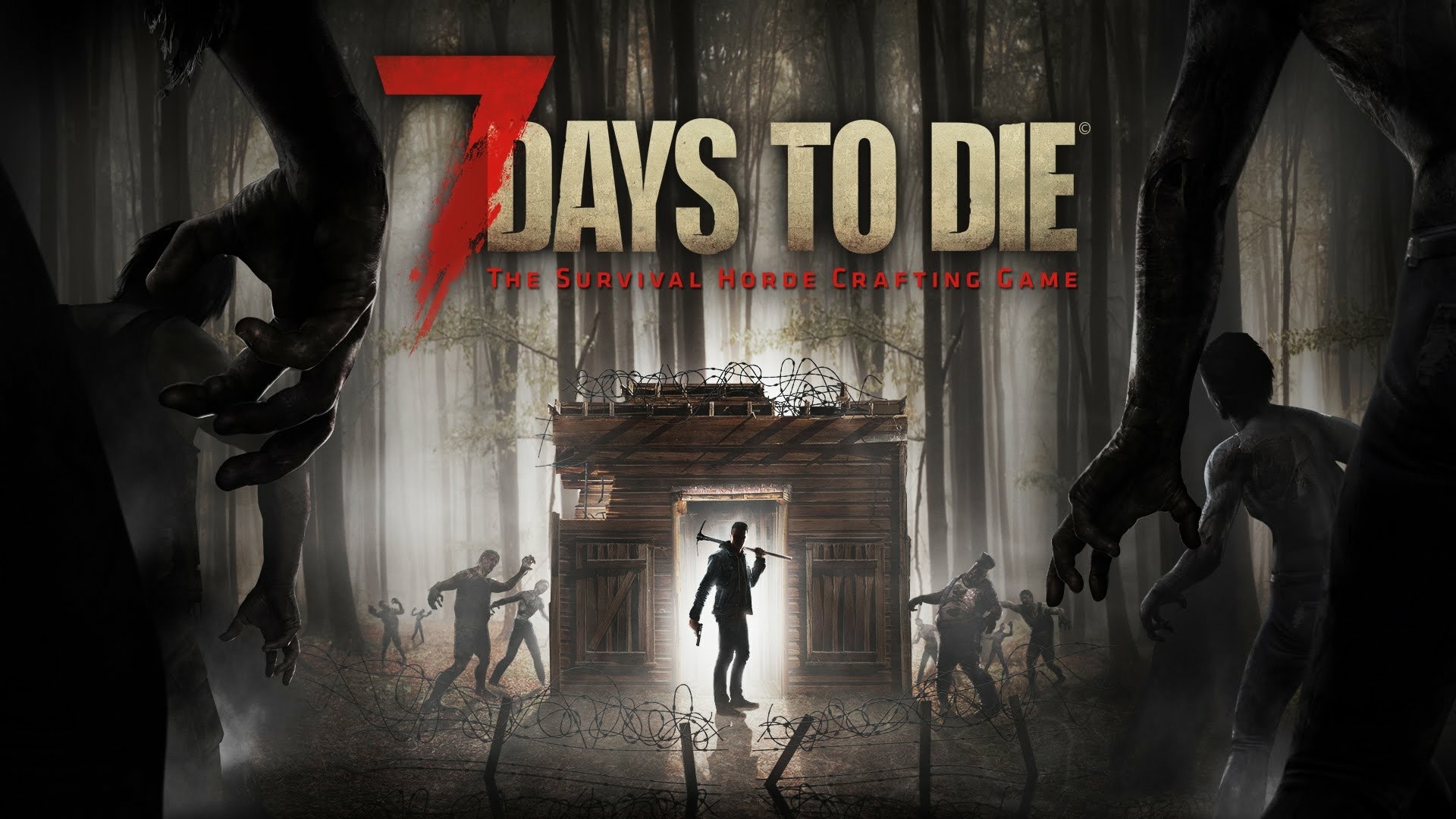
7 Days To Die is a survival-crafting game built on preparation. Every run is a race to gather, loot, and fortify before the next horde night, and most deaths trace back to information you didn't have in time — the loot you walked past, the resource node you couldn't find, the threat closing in while you were mid-craft. The world is huge, and time spent searching is time you're not spending building.
The Chod's Cheats 7 Days To Die product is built around awareness — helping you locate the resources, loot, and threats that matter so you spend less of each session wandering and more of it actually progressing. It's aimed at players who want to cut the busywork out of long survival runs, whether you're playing solo or keeping a small group supplied.
Setup follows the same simple pattern as the rest of the catalogue: download a small loader from your account dashboard, run it once before launching, and the in-game configuration overlay is ready. Options are grouped clearly and saved per profile, so you can show exactly what's useful for your playstyle and keep separate presets for scavenging runs versus base defence.
The game updates across its ongoing development, and we test the product against current builds before release rather than leaving it broken after a patch. Live availability is published on the status page so you can check before a session, and support tickets from your dashboard are linked to your purchase so help is quick when you need it.
- OS
- Windows 11 26H2 64bit and older, Windows 10 64bit
- Loader
- Steam / Epic Games / Microsoft Windows Store
- ·USB formatted in FAT32
If you're using a temporary spoofer, inject our product first, then spoof your HWID — otherwise our own system may flag you for the HWID change.
Pick your duration
Pay for what you'll actually use. Renew or upgrade any time.
- Best monthly value
- Fewer renewals
- Recommended option
- Try before committing
- Instant activation
- Full setup guide
- Better value than daily
- Good for active users
- Priority support
All prices in GBP. Activates immediately on payment confirmation. Renew or stack durations any time from your account.
What happens after purchase
-
1License activates
Instantly on payment confirmation. No back-and-forth.
-
2Open your dashboard
Find your key, expiry, and download under /account/licenses.
-
3Follow the setup guide
Step-by-step instructions linked from your license.
-
4Reach support if needed
Open a ticket; your purchase is auto-linked to the conversation.
How 7 Days To Die works
A practical walk-through of what happens between purchase and your first session.
7 Days To Die is a private enhancement delivered as a small loader plus an in-game configuration overlay. After purchase, your license activates immediately on your account and is bound to your hardware on first launch — there's no manual key entry, no third-party launcher, and no shared credentials.
You'll download the loader from your customer dashboard, run it once before launching the game, and the 7 Days To Die overlay becomes available in-game. Settings are saved per-profile so you can switch presets quickly without reconfiguring from scratch each session. Updates are pushed automatically when the game patches; you don't need to redownload manually unless we tag a major release.
The Chod's Cheats team tests 7 Days To Die against current game builds before each release, and our status page reflects real-time availability so you'll know before you launch whether it's safe to play. If something breaks, support tickets opened from your customer dashboard are auto-linked to your purchase, so we can reproduce your setup without back-and-forth.
Before launching, it's worth a quick look at the 7 Days To Die product status — we publish maintenance windows and known issues there in real time. If you hit a snag during setup, the 7 Days To Die setup guides cover the most common loader and configuration questions, and the 7 Days To Die support team answers tickets fast.
About this product
7 Days To Die is built for players who care about quality. The interface is consistent with the rest of the Chod's Cheats catalogue — sensible defaults, predictable controls, and configuration screens that don't make you read a manual every time you sit down.
Built like software, not throwaway tools. Updates ship on a regular cadence and are tested against current game builds before release. The loader is small and self-checking, and the configuration UI uses the same conventions across our products so you don't relearn anything when you pick up a new title.
Support that actually answers. Open a ticket from your dashboard with your license attached and you'll typically hear back the same day. Our team uses the products themselves, so reproducing your setup is fast and the back-and-forth doesn't drag.
If you're new, start with our setup guides — they cover first-run, updates, common loader issues, and how to get the most out of the configuration screens.
7 Days To Die features
Grouped so you can scan what matters to you instead of reading a wall of bullets.
- Players
- Names
- Distance
- Box
- Health
- Items
- Names
- Zombies
- Animals
- ServerTools AC bypass (godmode, noclip, invisibility)
- Buffs AC bypass(godmode, noclip, invisibility
- Enable debug menu
- Enable creative menu
- Spoof player name
- Edit mode
- Teleport other players to you
- Instankill players
- Zombie shield
- Give XP
- Maintained against current EAC builds
- Streamproof with OBS
Why choose 7 Days To Die from Chod's Cheats
What separates this from other tools in the same space.
Long survival sessions punish wasted time. This product's job is to give back the hours you'd otherwise spend searching — clean awareness of resources, loot, and threats, tuned per profile to match how you play.
You also get testing against the current build before each release, availability shown on the status page, and support tied to your purchase so the team can help without a back-and-forth to reproduce your setup.
If you want to verify reliability before buying, check the 7 Days To Die product status — we publish historical uptime there. New customers usually start with the 7 Days To Die setup guide, and any pre-sales question can go through 7 Days To Die support with a typical reply inside a few hours.
Common questions about 7 Days To Die
Answers to what most customers ask before purchase and during setup.
What does the 7 Days To Die product help me find? +
Does it work in single-player and on servers? +
What should I check after a 7 Days To Die update? +
How quickly can I start after buying? +
Where do I get help if something breaks? +
What customers like
My buddy is renting a server currently and i am having a blast with this cheat. Works flawlessly and easy to use. i highly recommend this product.
has worked on any server ive joined, spawned in any item ive wanted and have yet to been called out or banned
Complete the set
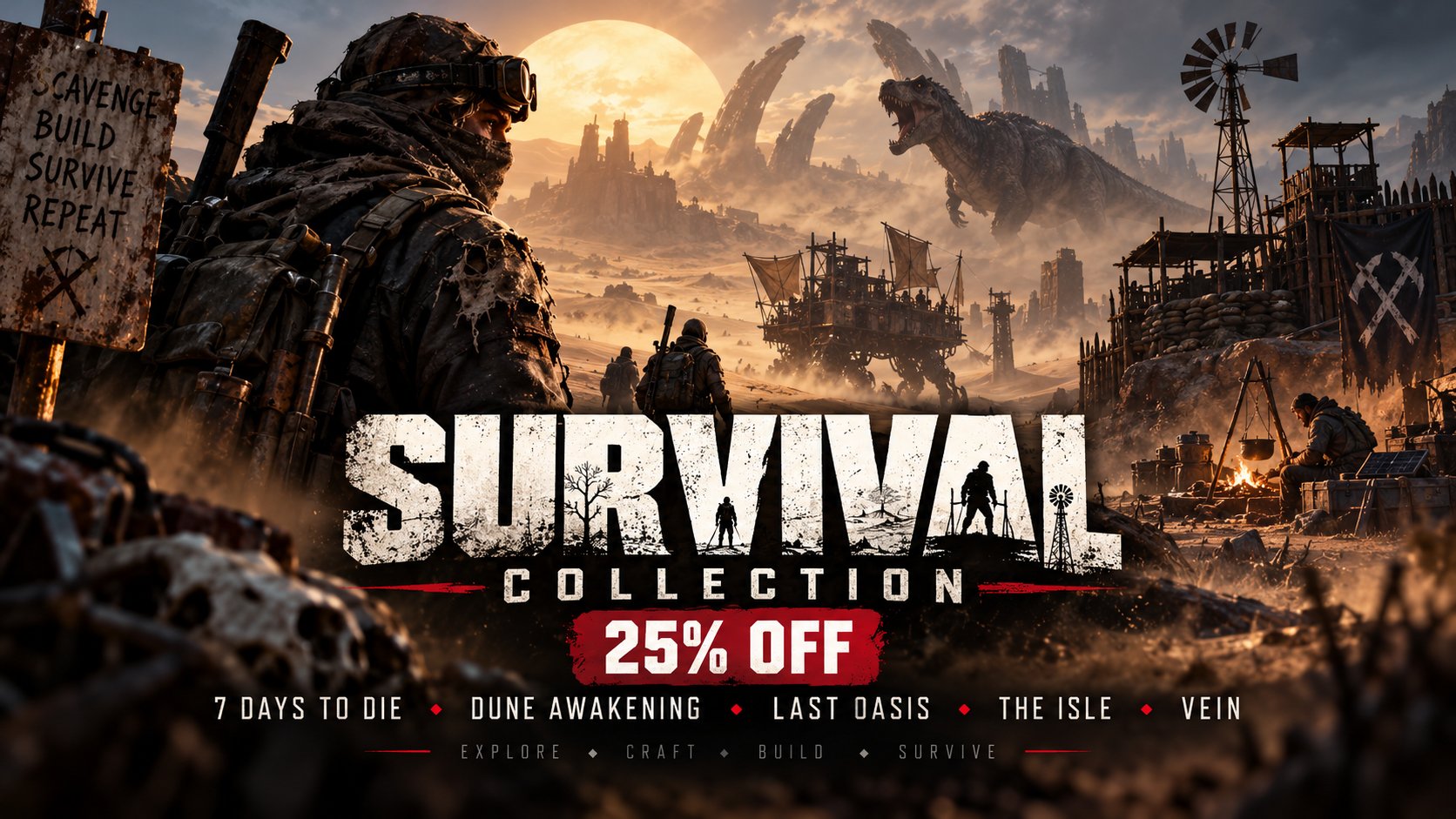
Survival Collection
Craft, gather and stay alive — our biggest survival sandboxes in one pack.
You might also like