Bodycam
Clear positional awareness for Bodycam, with quick setup and per-profile configuration.
- From £0.00
- Updating · 3 weeks ago
- Windows 11 25H2 64bit and older · Windows 10 64bit
- Setup guide included
- Standard support
- Activation
- Instant
- Support
- Standard support
- OS
- Windows 11 25H2 64bit and older · Windows 10 64bit
- Last updated
- 3 weeks ago
- Rating
- 5.0 (4)
Access is paused while the update lands. New purchases are still safe — your duration starts when you actually use the product. Live status · Update history
Bodycam overview
What this product surfaces in-game, how setup works, and what to check before you buy.
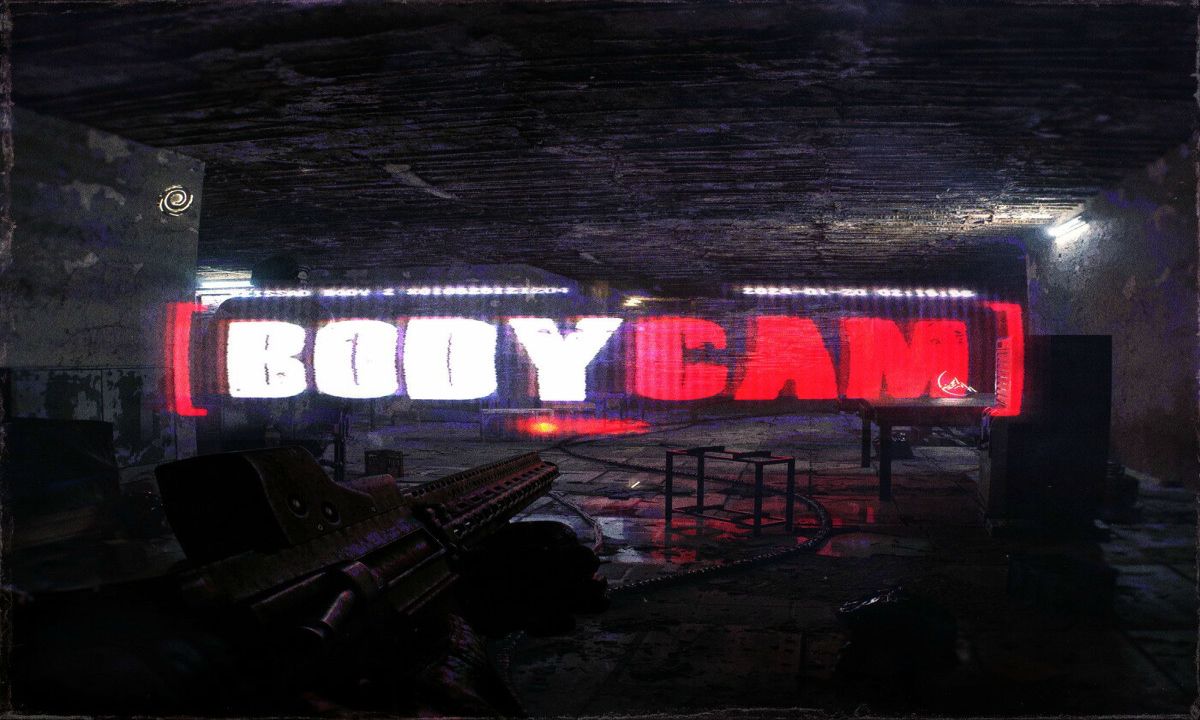
Bodycam is a fast, close-quarters shooter where fights are decided in the split second before contact — who's holding the next room, which angle the shot is coming from, where the push is developing. Most of that is knowable; it's just easy to lose in the speed and clutter of a firefight.
The Chod's Cheats Bodycam product is built around clear positional awareness — readable information about enemy positions, presented so you can read it at a glance instead of getting caught by an angle you never checked. It's for players who want sharper decisions under pressure, presented cleanly rather than as on-screen noise.
Setup keeps to the same simple pattern as the rest of the catalogue. Download a small loader from your account dashboard, run it once before launching, and the in-game configuration overlay becomes available, with options grouped logically and saved per profile.
- OS
- Windows 11 25H2 64bit and older, Windows 10 64bit
- ·USB formatted in FAT32
- ·Active Free Pass
Pick your duration
Pay for what you'll actually use. Renew or upgrade any time.
- Best monthly value
- Fewer renewals
- Recommended option
Requires an active Free Pass license to purchase.
All prices in GBP. Activates immediately on payment confirmation. Renew or stack durations any time from your account.
What happens after purchase
-
1License activates
Instantly on payment confirmation. No back-and-forth.
-
2Open your dashboard
Find your key, expiry, and download under /account/licenses.
-
3Follow the setup guide
Step-by-step instructions linked from your license.
-
4Reach support if needed
Open a ticket; your purchase is auto-linked to the conversation.
How Bodycam works
A practical walk-through of what happens between purchase and your first session.
Bodycam is delivered as a small loader plus an in-game configuration overlay. Your licence activates instantly on your account and binds to your hardware on first launch — no manual key entry, no third-party launcher, no shared credentials.
Download the loader from your dashboard, run it once before you open the game, and the overlay is ready in-match. Settings save per profile, so your presets stay separate. Updates ship as the game patches, and the status page tells you whether it's ready before you queue.
Before launching, it's worth a quick look at the Bodycam product status — we publish maintenance windows and known issues there in real time. If you hit a snag during setup, the Bodycam setup guides cover the most common loader and configuration questions, and the Bodycam support team answers tickets fast.
About this product
Bodycam is built for players who care about quality. The interface is consistent with the rest of the Chod's Cheats catalogue — sensible defaults, predictable controls, and configuration screens that don't make you read a manual every time you sit down.
Built like software, not throwaway tools. Updates ship on a regular cadence and are tested against current game builds before release. The loader is small and self-checking, and the configuration UI uses the same conventions across our products so you don't relearn anything when you pick up a new title.
Support that actually answers. Open a ticket from your dashboard with your license attached and you'll typically hear back the same day. Our team uses the products themselves, so reproducing your setup is fast and the back-and-forth doesn't drag.
If you're new, start with our setup guides — they cover first-run, updates, common loader issues, and how to get the most out of the configuration screens.
Why choose Bodycam from Chod's Cheats
What separates this from other tools in the same space.
In Bodycam, the reliable edge is better information handled calmly — knowing where the danger is and playing accordingly. This product keeps that information readable and tuned per profile rather than cluttering your screen.
You also get testing against the current build before each release, availability shown on the status page, and support tied to your purchase, so you're not guessing whether it's ready before you queue.
If you want to verify reliability before buying, check the Bodycam product status — we publish historical uptime there. New customers usually start with the Bodycam setup guide, and any pre-sales question can go through Bodycam support with a typical reply inside a few hours.
Common questions about Bodycam
Answers to what most customers ask before purchase and during setup.
What does the Bodycam product do? +
How does Bodycam work? +
Is Bodycam difficult to set up? +
What do I get after purchase? +
What operating systems does Bodycam support? +
How do I check Bodycam's current status before launching? +
Where can I get help with setup or issues? +
What happens if Bodycam stops working mid-license? +
What customers like
This cheat is really perfect. however it's a hassle to reconfigure the settings every time I turn on the cheat I'm inquiring if it's possible to save the settings
Very good and functional aimbot and crosshair a little buggy but very well made for the weird aiming system esp is very nice and not buggy 5/5
Cheat works! would be nice to add ESP and Aimbot functions to zombies mode thats what would keep me resubscribing.
You might also like